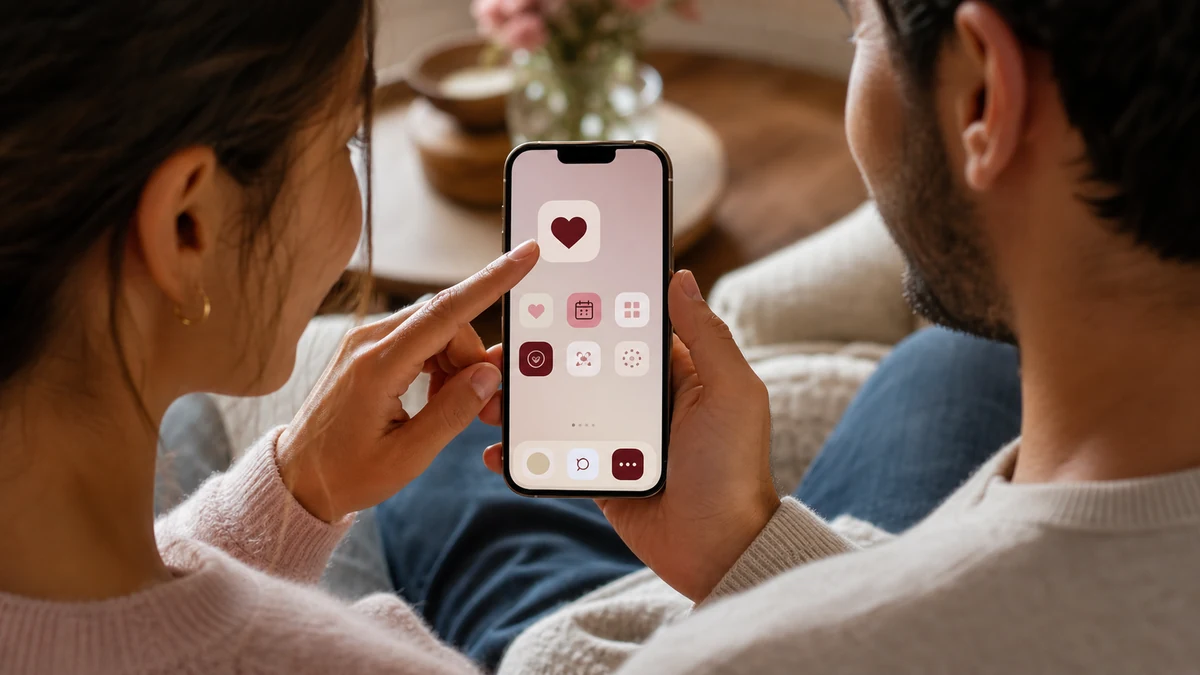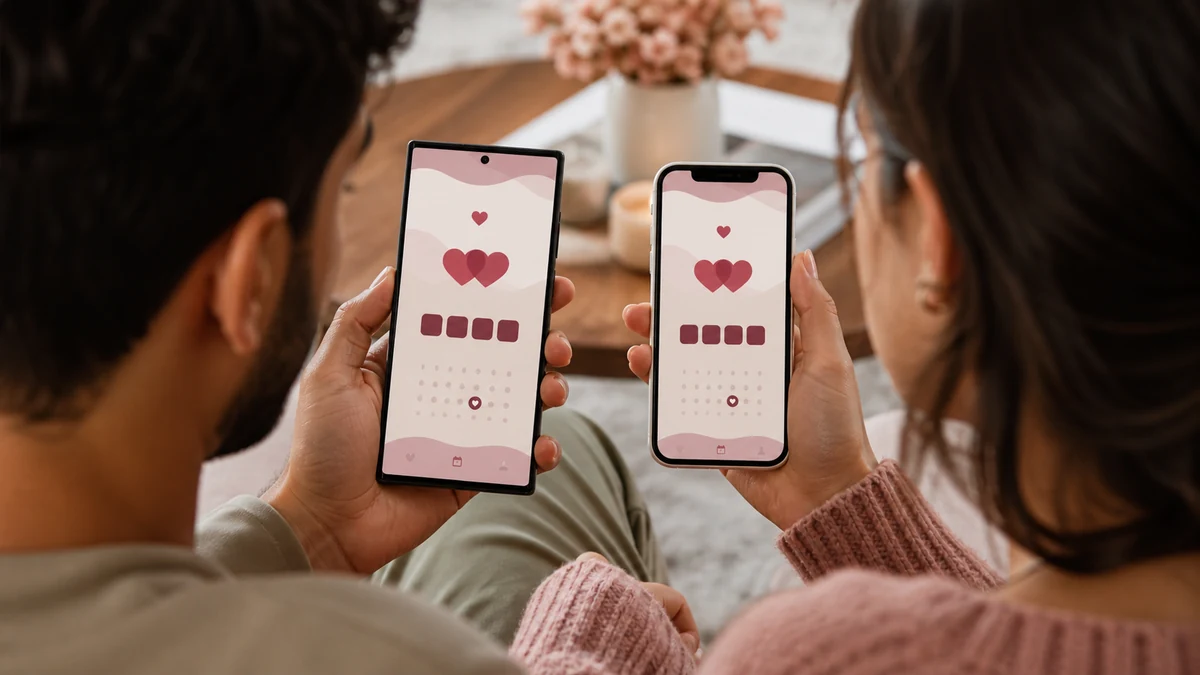
One of the quiet frustrations of relationship apps is that couples often use different phones. One partner is on Android, the other on iPhone, and suddenly you are hunting for an app that works well on both. A web-based Love Counter sidesteps this entirely. Here is why one link beats two app downloads, and how to get the most from it on any device.
Key Takeaways
- A web-based Love Counter works identically on Android and iPhone.
- There is no app to download and no platform lock-in.
- Both partners can use the same link on whatever phone they own.
- You can add it to either home screen for app-like access.
The Two-Phone Problem
Mixed-device couples are common, and app-based tools do not always serve them well. An app might be polished on one platform and neglected on the other, or exist only in one app store. That mismatch means one partner gets a worse experience, or you both settle for a lesser tool. It is a small annoyance, but it adds up.
A web-based counter removes the problem. Because it runs in the browser, the experience is the same whether you are on an Android phone, an iPhone, a tablet, or a laptop. Same features, same layout, same link.
No Download, No Waiting
Skipping the app store is more convenient than it sounds. There is nothing to download, nothing to update, and no storage taken up on your phone. You open a link and the counter is ready. For a tool you might set up once and glance at for years, that lightness is a real benefit. Our checklist for what makes the best love counter explains why this matters.
Using It on Android
On an Android phone, open the Love Counter in your browser, set your date and names, and press start. To keep it handy, use your browser's menu to add the page to your home screen, where it will appear as an icon much like an app. Tapping it opens straight to your saved counter. Full steps are in our guide to adding the counter to your home screen.
Using It on iPhone
On an iPhone, the process is just as simple. Open the counter in Safari, set it up, then use the share button and choose add to home screen. The counter gains an icon and behaves like an app, launching to your saved details. Because the underlying tool is identical, an iPhone user and an Android user see exactly the same counter, which is perfect for couples.
Staying in Sync as a Couple
Since your details are saved on each device rather than in a shared account, both partners simply enter the same start date once. From then on, you each have your own copy of the same count, ticking in perfect agreement. If you are apart, this shared number is a lovely way to feel connected, as we explore in our guide for long distance couples.
Privacy on Every Platform
Whatever device you use, the privacy promise is the same. Your names and date live only on your own phone or computer, never on a server. There is no account linking your two devices and no data leaving either one. You get the convenience of a shared experience with none of the exposure that comes from handing your details to an app.
The Takeaway
For couples especially, a web-based Love Counter is the practical choice. It treats Android and iPhone as equals, needs no download, and keeps your story private on each device. One link really does serve every phone in your relationship. Open the Love Counter on whatever device you are holding and see for yourself.
Start Counting Your Days in Love
Turn your special date into a live count you will treasure. Free, private, and ready in seconds.
Frequently Asked Questions
Yes. Because it is web-based, it works identically on Android, iPhone, tablets, and computers from the same link, with no separate apps needed.
No. It runs in your browser. You can optionally add it to your home screen for app-like access, but there is nothing to download from an app store.
Each partner enters the same start date once on their own device. From then on, both counters tick in perfect agreement, since they measure the same elapsed time.