A Love Counter is most rewarding when it is always a glance away. Whether you want it as an icon on your phone or as a romantic feature on a personal website, keeping your Love Counter close makes it part of daily life. This guide covers the friendly, no-code ways to do exactly that.
Key Takeaways
- You can add the Love Counter to any phone or desktop home screen in seconds.
- No app store download is required, since it runs in the browser.
- A love counter widget can be a charming feature on a personal site.
- Your saved counter loads automatically each time you open it.
Why Keep Your Counter Close
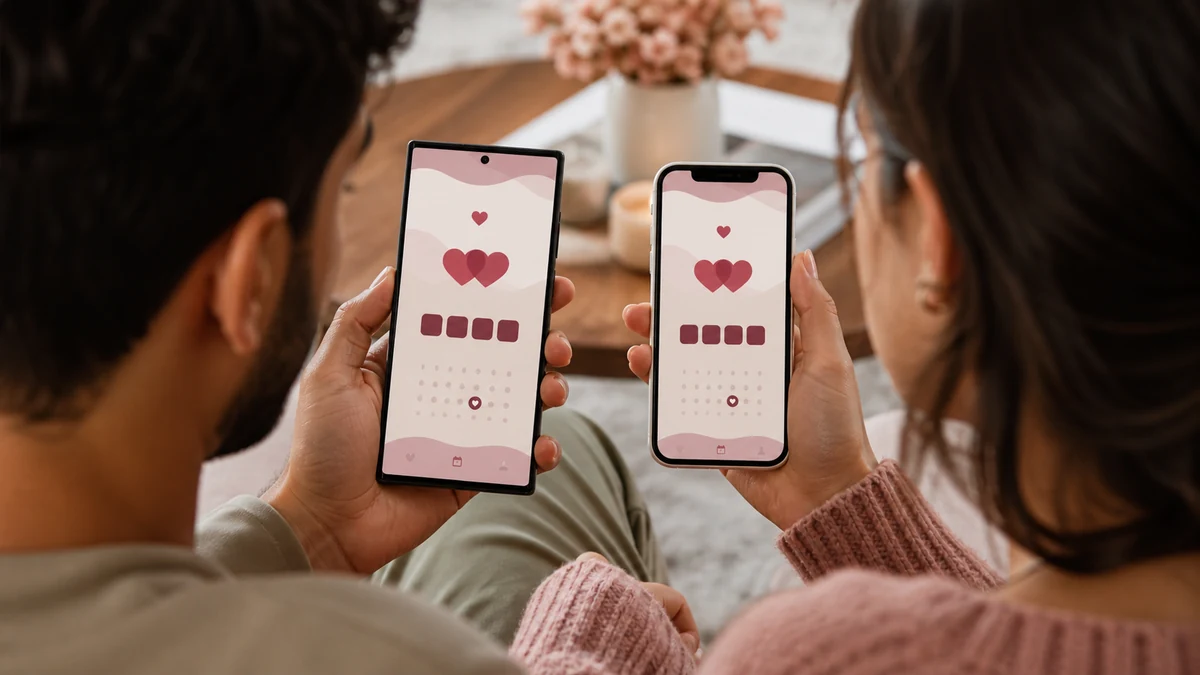
The couples who enjoy their counter most are the ones who see it often. When it is buried in a browser tab, it is easy to forget. When it is a tap away on your home screen, it becomes a small daily ritual, a warm reminder of your growing story that you catch in passing. Proximity turns a nice tool into a treasured habit.
Adding It to Your Phone Home Screen
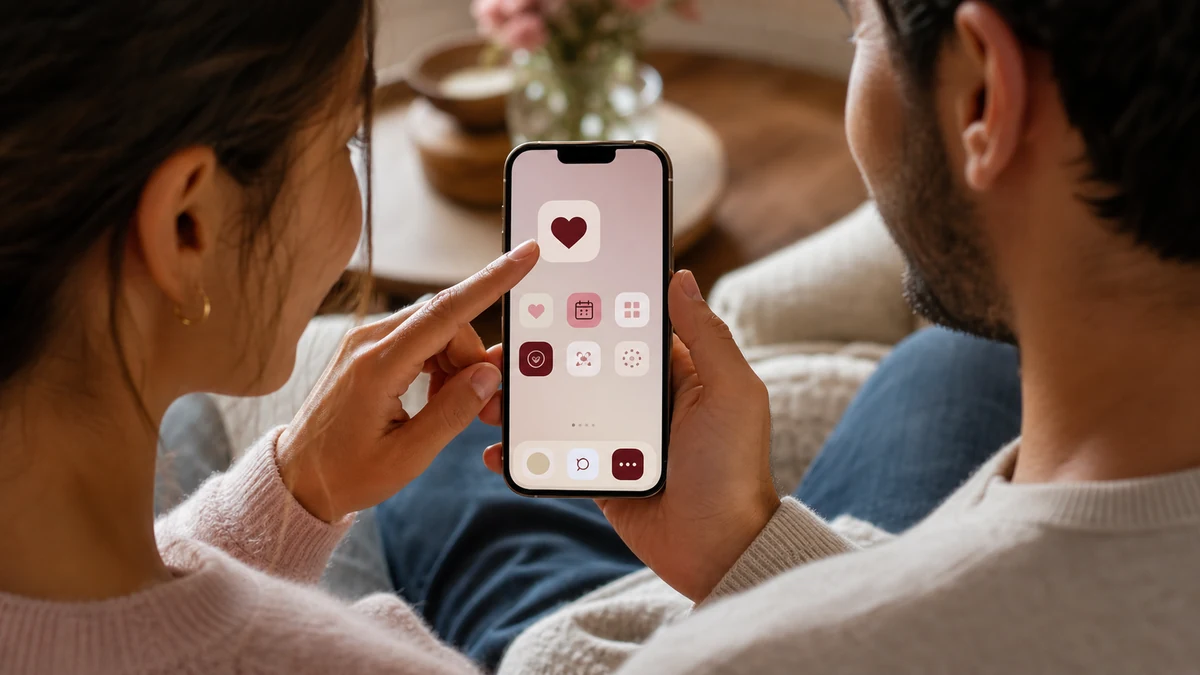
Modern phones let you save any website as a home screen icon, no app store needed. The steps differ slightly by device, and we cover them in detail in our guide to saving the Love Counter to your home screen. In short, you open the site in your browser, tap the share or menu button, and choose the option to add it to your home screen. From then on it behaves like an app, opening straight to your saved counter.
Pinning It on Your Computer
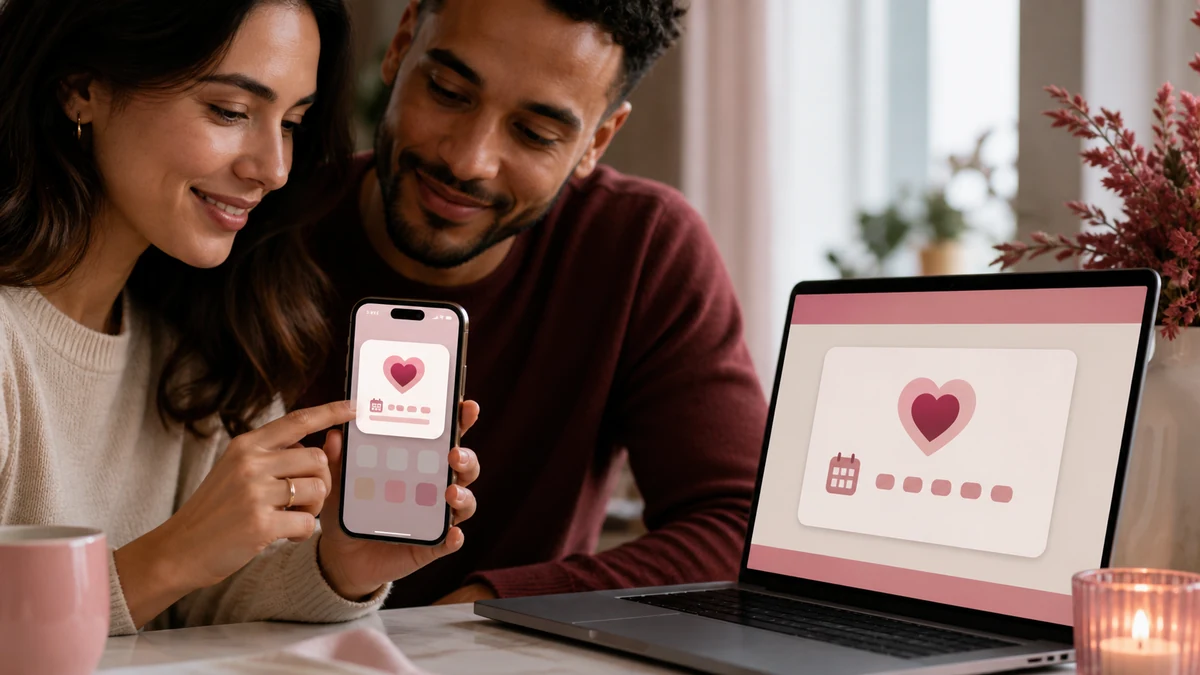
On a laptop or desktop, you have a couple of easy options. You can bookmark the counter for quick access, or use your browser's "install" or "create shortcut" feature to place an icon on your desktop or taskbar. Either way, your counter is one click away whenever you sit down to work, ready to brighten a quiet moment.
Featuring a Love Counter on Your Own Website
If you keep a personal blog, a wedding website, or a shared couple's page, a love counter can be a delightful centerpiece. The simplest approach is to link prominently to your Love Counter so visitors can open it and see your count. For a wedding site, a "we have been together for..." link that opens the counter adds a personal, interactive touch that guests love.
Because the counter is a standalone web page, you do not need any special plugins or code to point people to it. A clear link or button is all it takes, and it keeps your own site lightweight and fast.
Sharing the Number Itself
Sometimes you do not want a live widget, just the number at a moment in time. The counter's copy feature gives you a neatly formatted summary you can paste anywhere: a social post, a website, an email signature, or a caption. It is the quickest way to put your count in front of others without embedding anything. Our guide to digital love keepsakes explores more creative ways to use it.
Keeping It Personal and Private
One reassuring detail: adding the counter to your home screen or linking to it from your site does not expose your private details. Your names and date are saved only on your own device. When you share a link, others simply open a fresh counter and enter their own information. Your love story stays yours.
Ready to keep your counter within reach? Open the Love Counter, set it up, then follow our step-by-step guide to adding it to your home screen.
Start Counting Your Days in Love
Turn your special date into a live count you will treasure. Free, private, and ready in seconds.
Frequently Asked Questions
Yes. Open it in your browser and use the add to home screen option. It will appear as an icon and open straight to your saved counter, with no app store download needed.
The easiest way is to link prominently to your Love Counter so visitors can open it. This works beautifully on personal blogs and wedding sites without any plugins.
No. Your names and date stay saved only on your own device. Anyone who opens a shared link simply starts a fresh counter of their own.